




 Find US, EU, UK, CA, & AU requirements













Users and collaboration
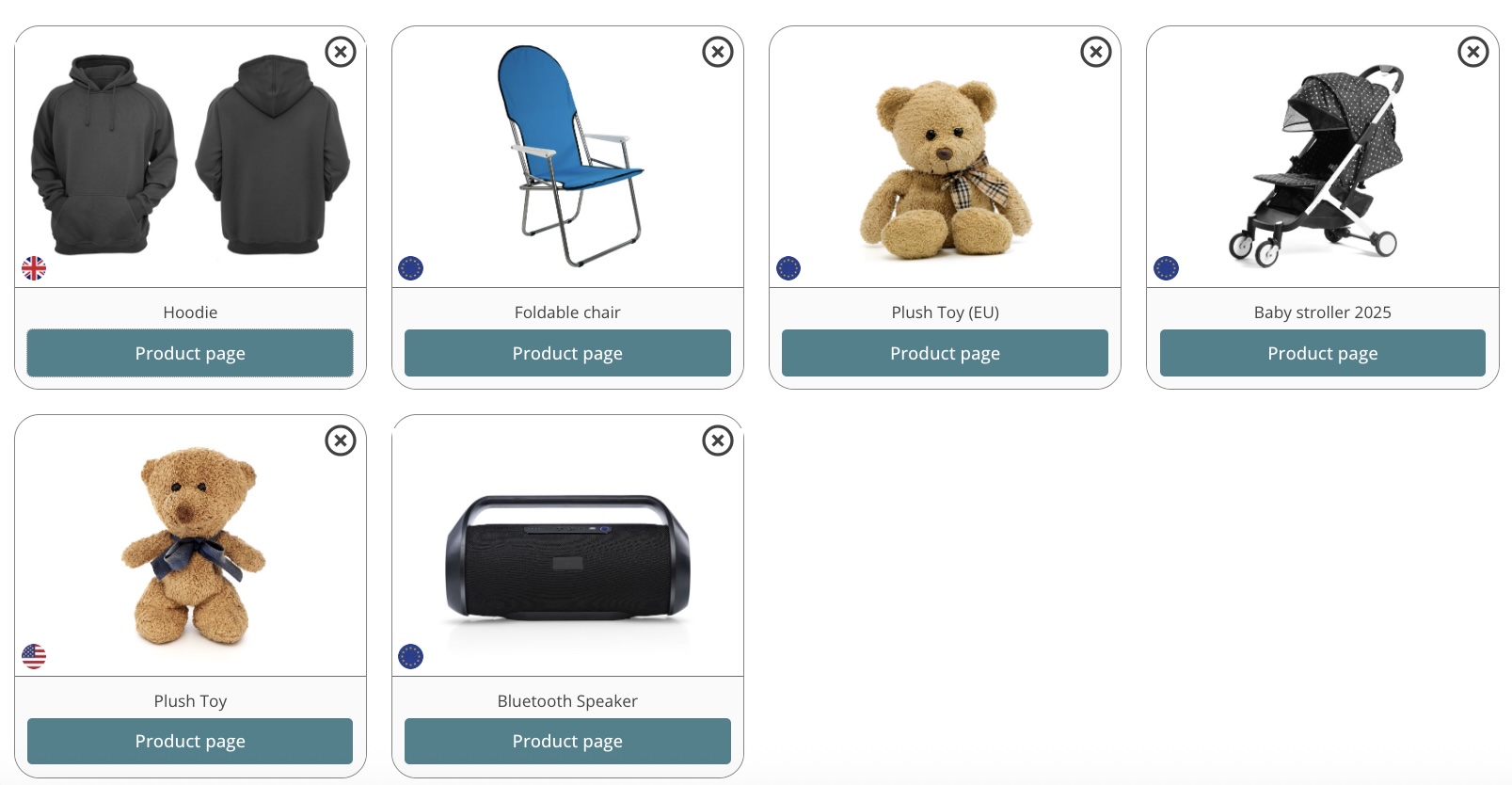
Our Business and Enterprise subscriptions include access for additional sub users. All users can access the same
account and collaborate during the compliance process.
Who can we add as a user?

Team members
Collaborate with your co-workers

Suppliers
Collaborate with your manufacturers

Consultants/Labs
Invite consultants and third parties
What can each user access?
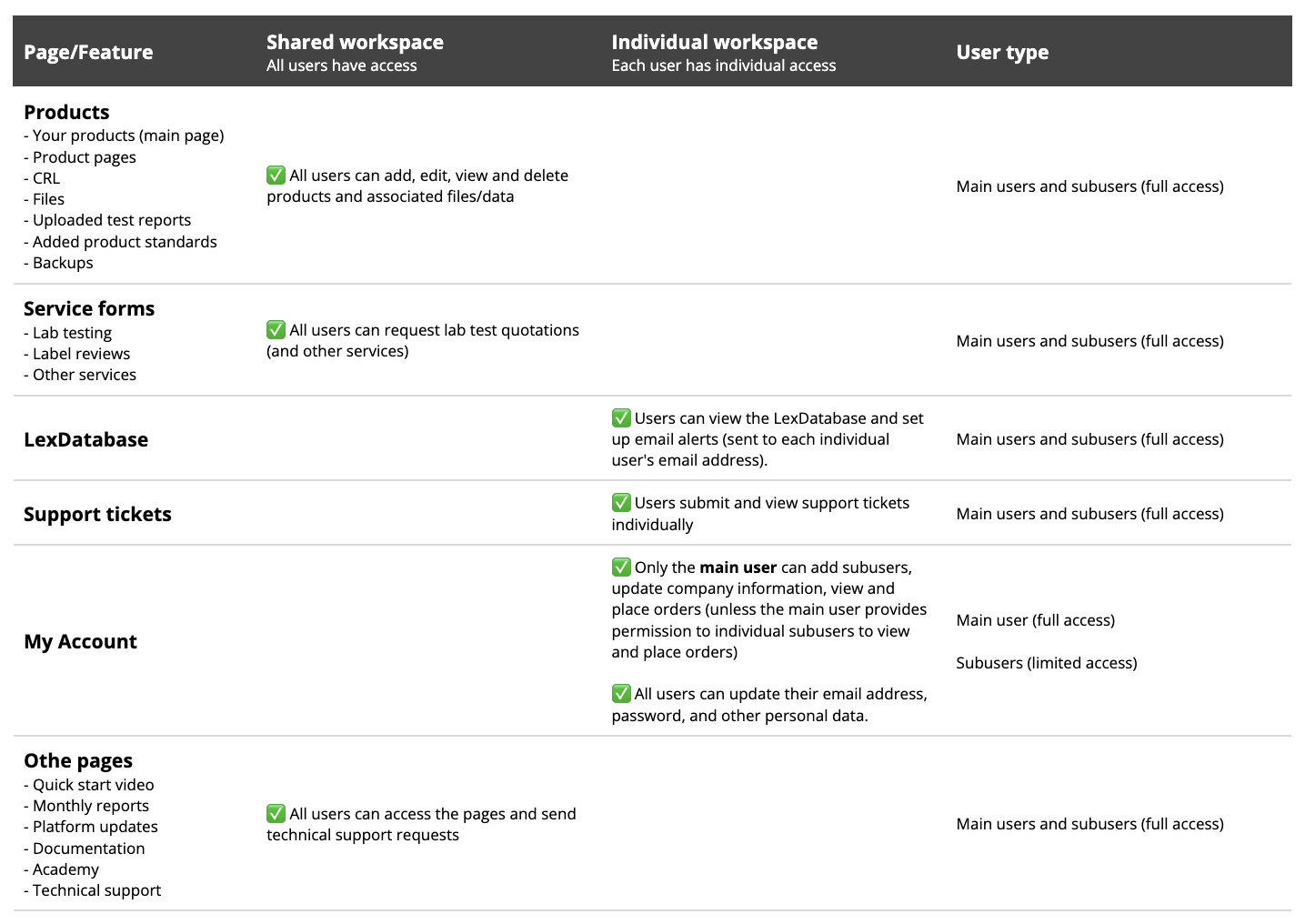
Note: You cannot set access permission for individual users. As such, you should only invite users with whom you are willing to share the information stored in your account.
User overview
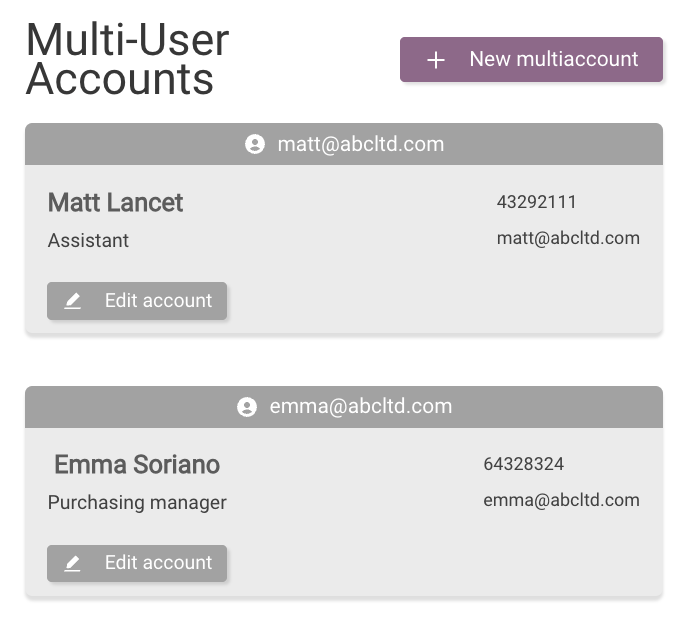
You can see all users with account access on the Multi Accounts page
How to add new users
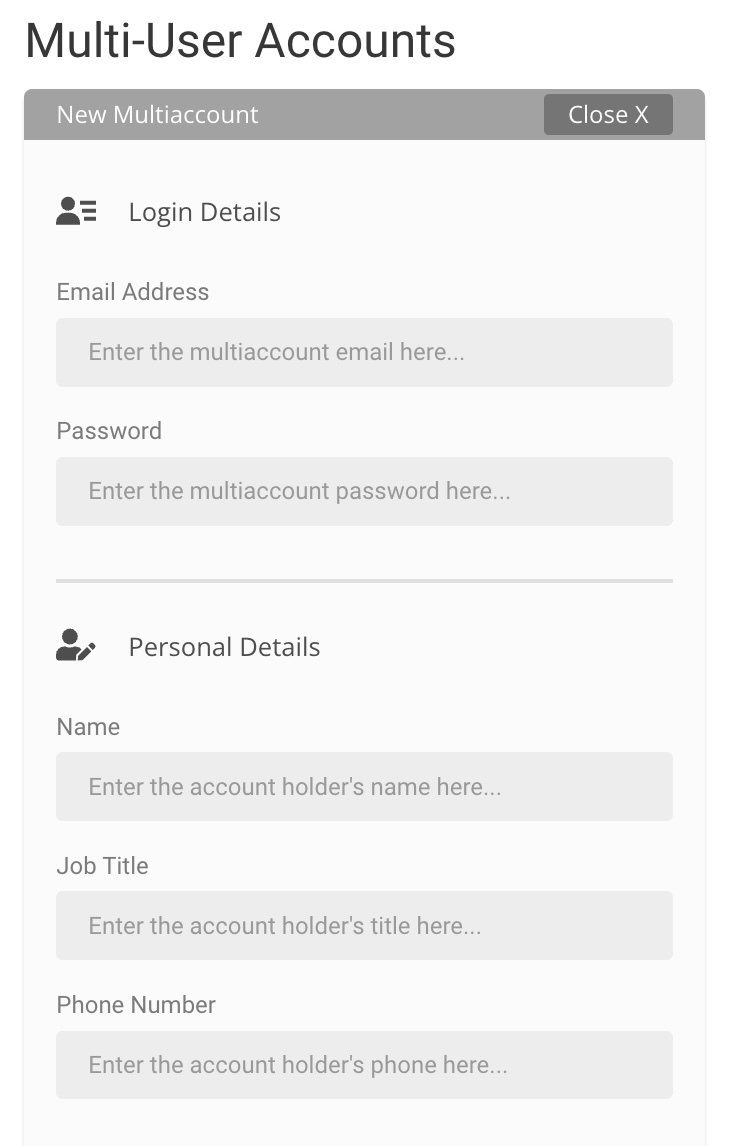
Enter the new user’s email address, password, and personal details. You can also set permissions for placing new orders
and viewing account orders.
How to remove a user
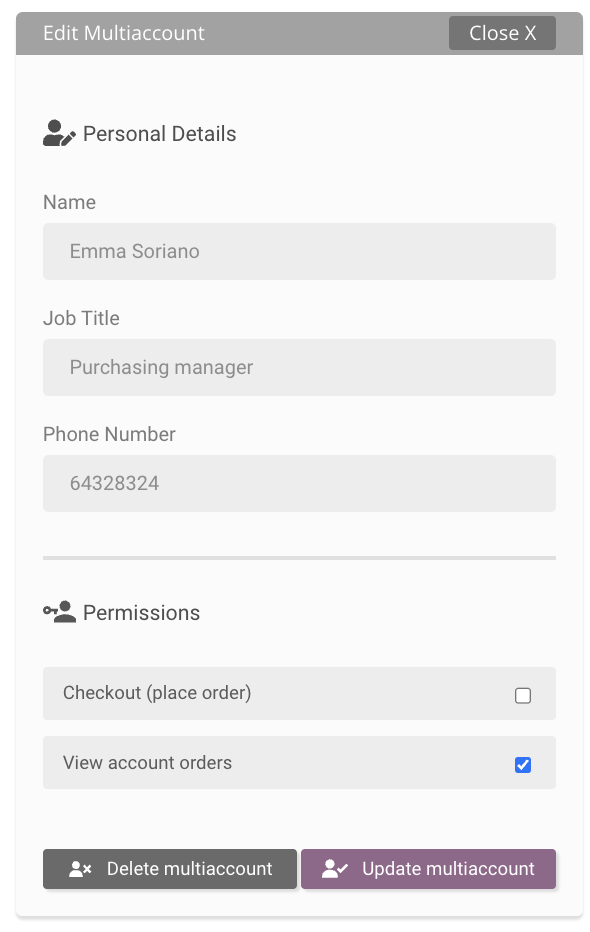
Open the user and click on Delete multiaccount
Feature Overview
You can find a list of limitations and risks related to the Compliance Gate Platform in this document.