

















Project Modules
Step-by-Step Tutorial

Why do I need a project module?
Project modules provide step-by-step task lists based on official legislation databases and/or guidance pages.
Step 1: Product Assessment
Complete a 2-minute product assessment to add one or more project modules to your workspace.
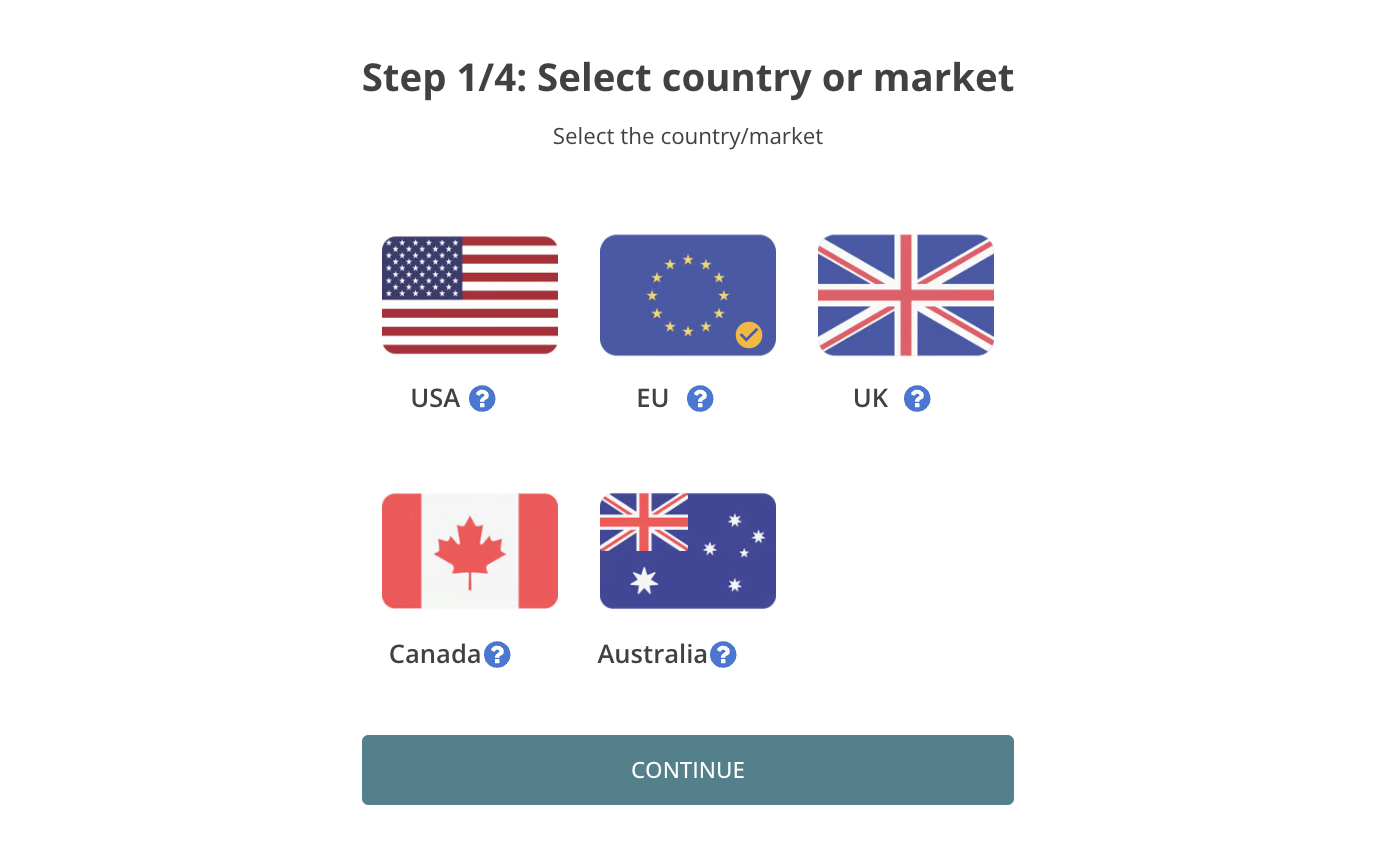
Step 1: Select Country/ Market
Select the country or market where you sell the product:
 United States
- European Union
- United Kingdom
- Canada
- Australia
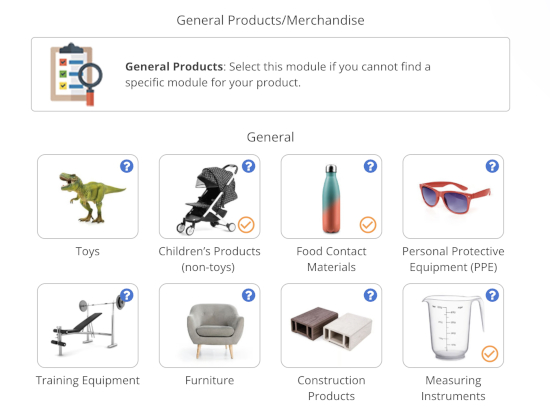
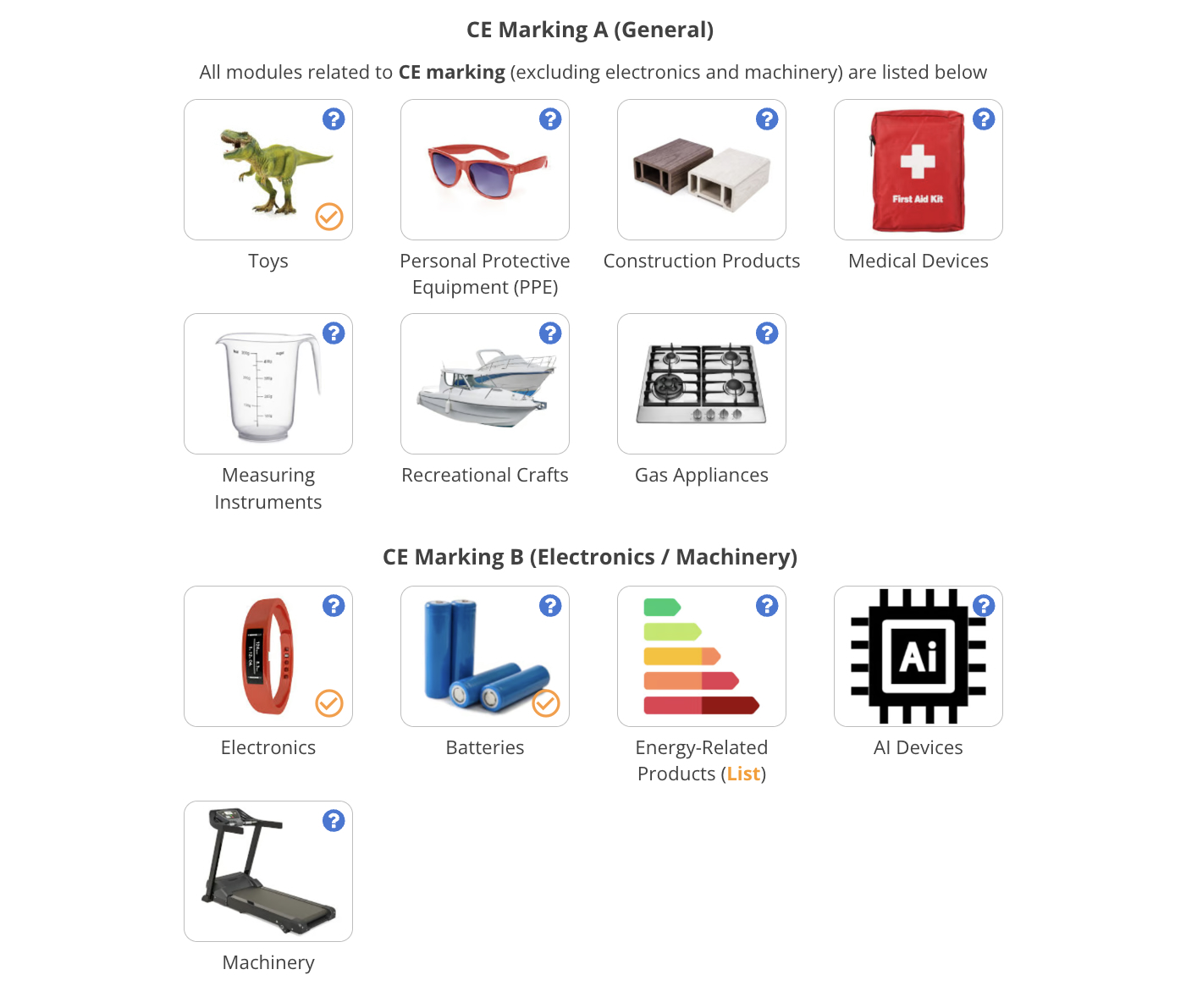
Step 2: Select Product Modules
You select relevant project and product/material modules to add the following to your workspace:
- • Compliance Requirements List
- • Project tasks
- • Suggested templates
- • Suggested widgets
Example: Battery powered toy
Modules: CE marking project + Toys + Electronics + Batteries
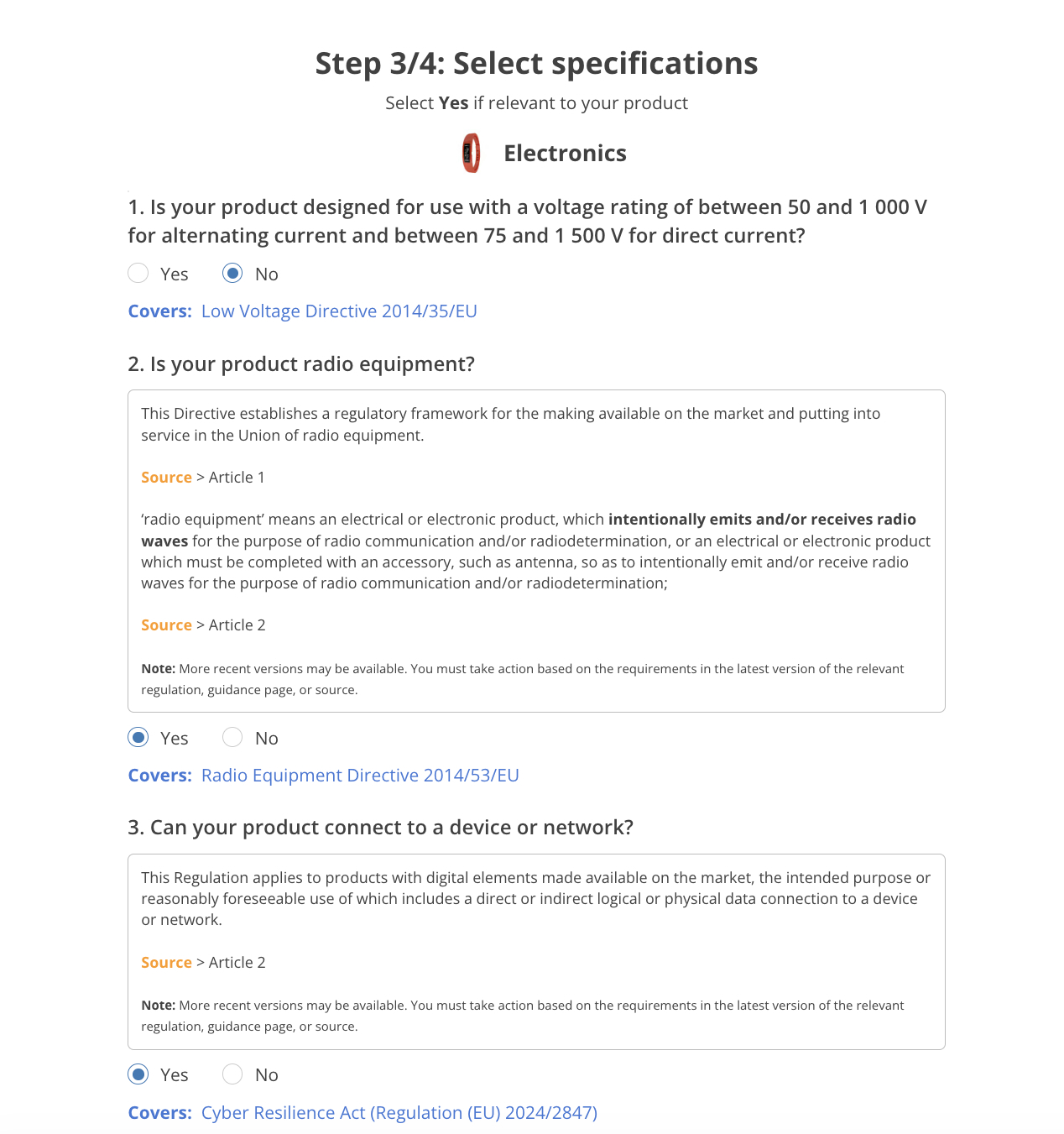
Step 3: Set Specifications
Fine tune your requirements list by answering questions
about the following:
- • Product functionality
- • Materials and components
- • Age group
Example: Does your product contain a lithium-ion battery?
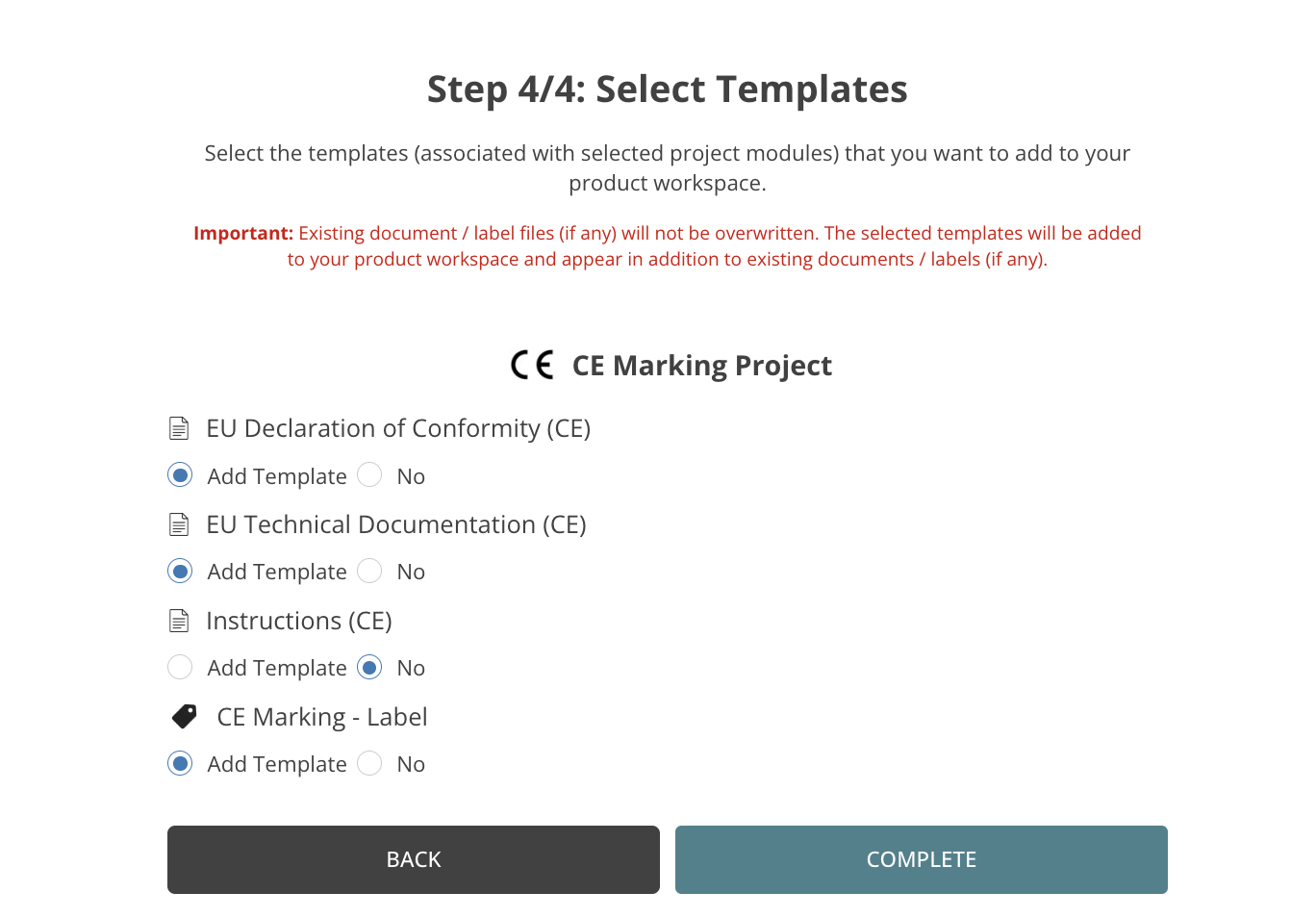
Step 4: Set Templates/Widgets
Based on your selected project modules, the platform suggests relevant templates and widgets to add to your workspace
- Document templates
- Label templates
- Widgets
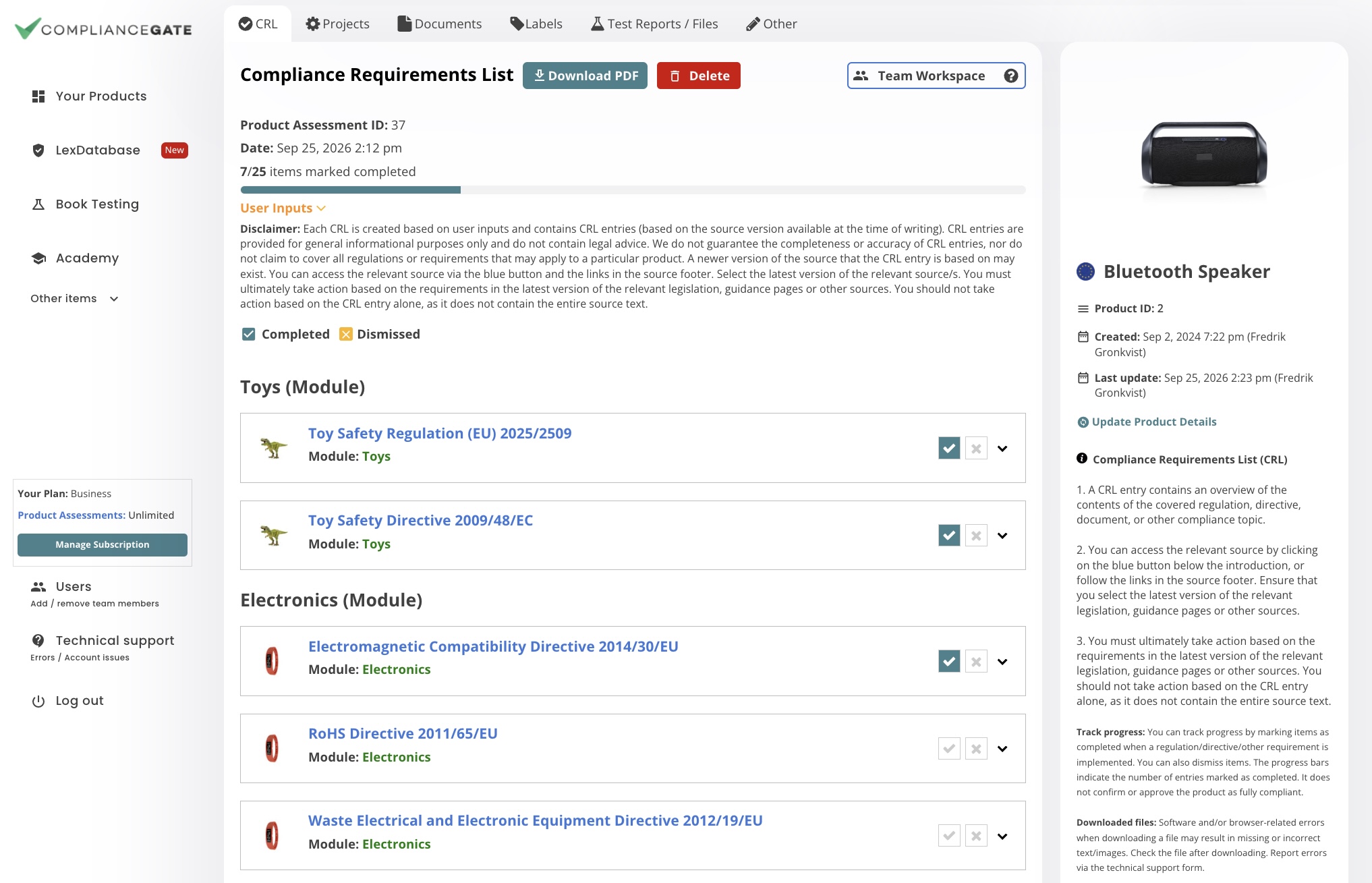
Product Workspace Created
The platform prepares a workspace based on the Product Assessment, which contains the following:
- Compliance Requirements List
- Project Modules
- Document templates
- Label templates
- Product Testing
Note: You must ultimately take action based on the requirements in the latest version of the relevant legislation, guidance pages or other sources.
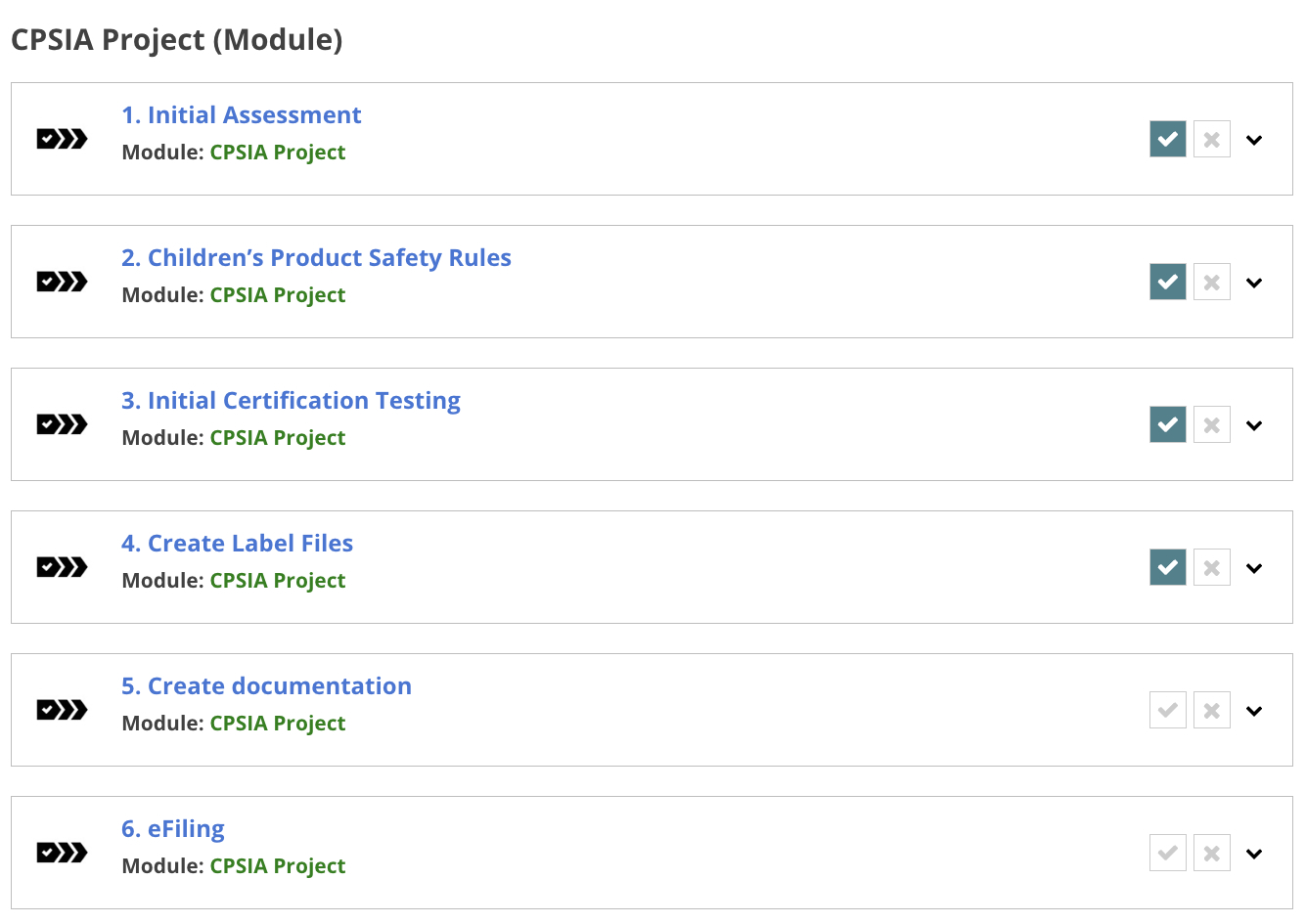
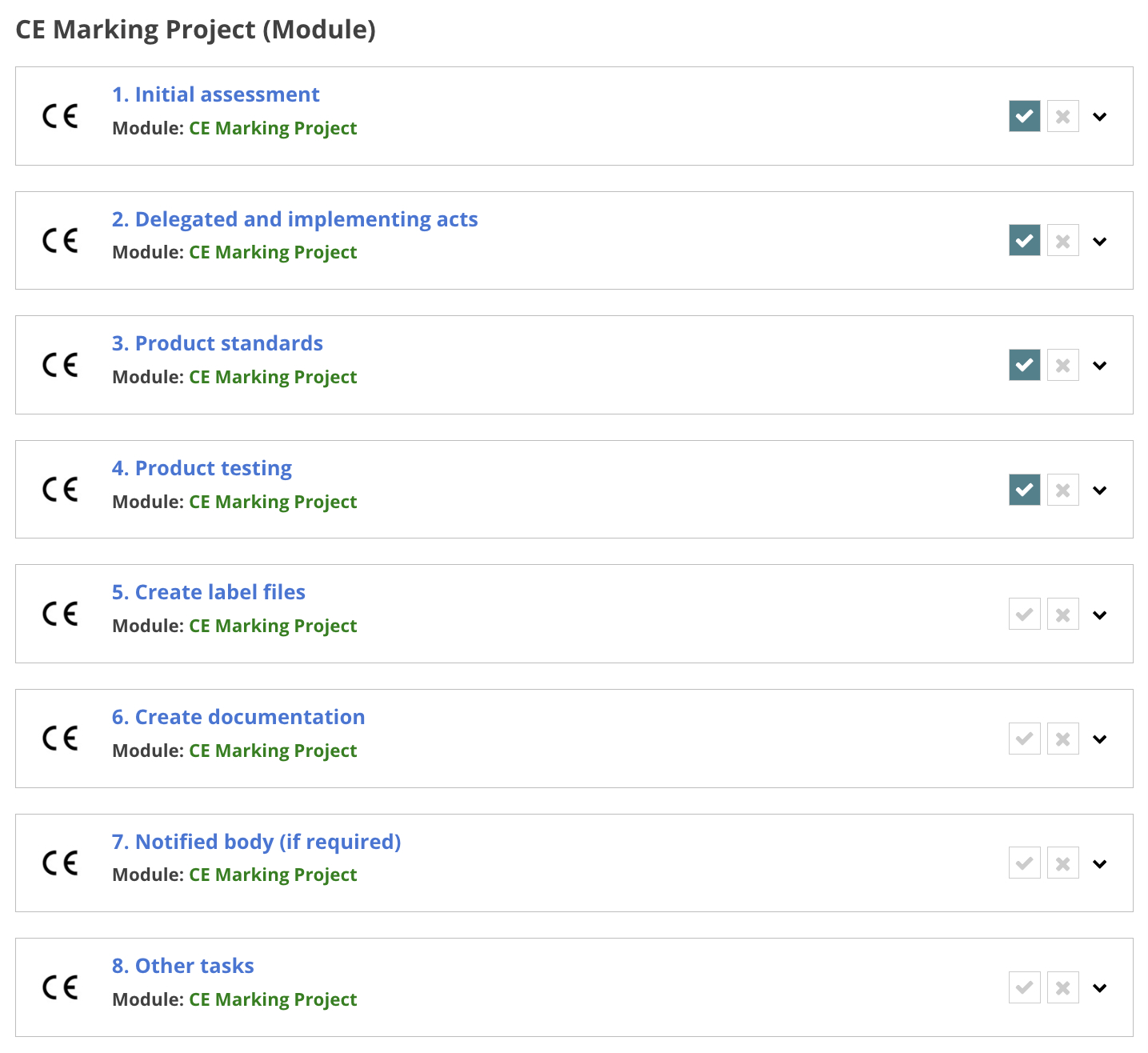
Step 2: Project Module
All selected project modules are added to the tab with the same name in your workspace.
Example A: CPSIA (USA)
Example B: CE Marking (EU)
Example C: UKCA Marking (UK)
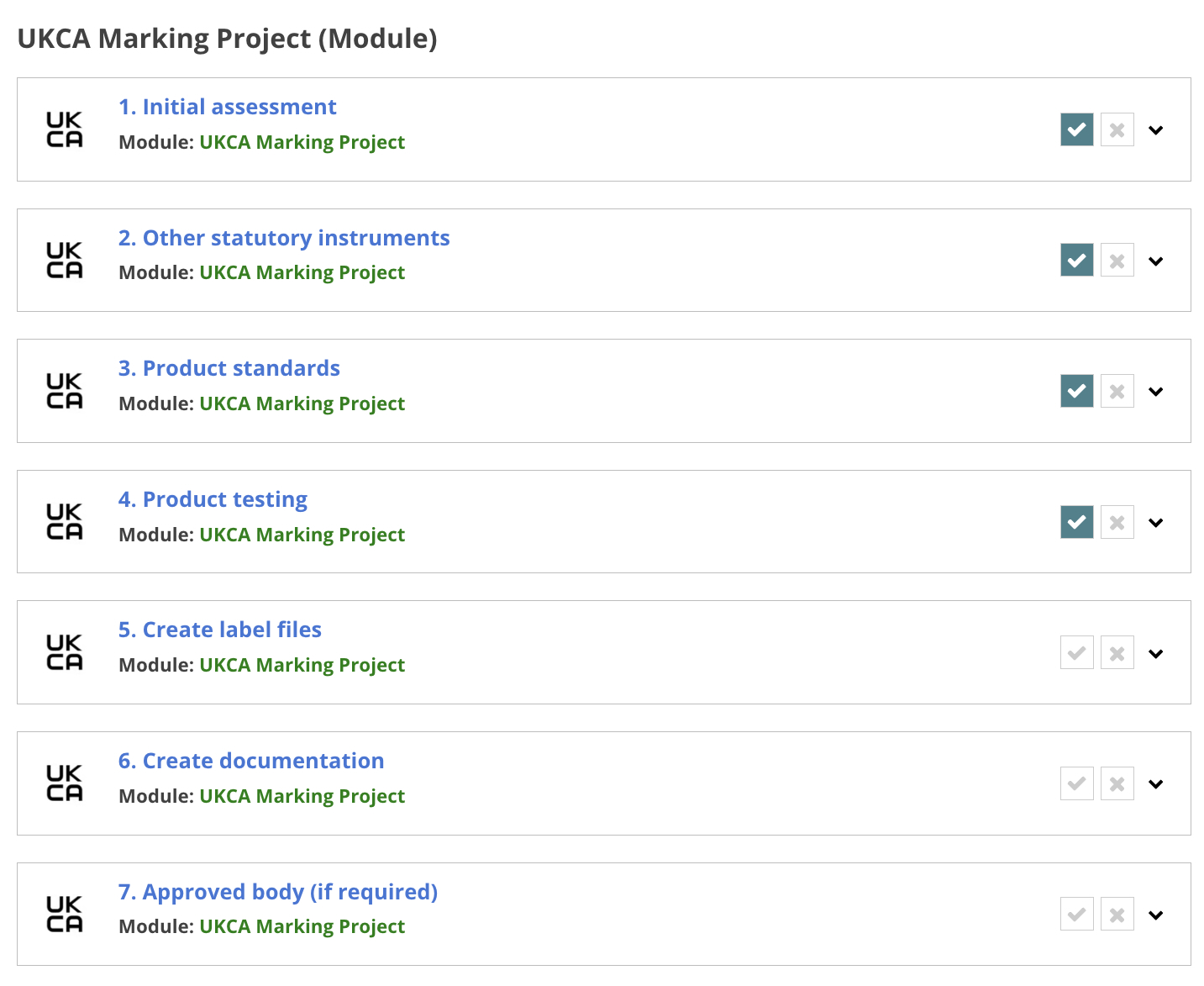

How should I use the project module?
1. A project module provides a list of tasks that correspond to a specific article/part/section of a regulation, guidance page, or other source.
2. You can access the relevant source by clicking on the blue button below the introduction, or follow the links in the source footer. Ensure that you select the latest version of the relevant legislation, guidance pages or other sources.
3. You must ultimately take action based on the requirements in the latest version of the relevant legislation, guidance pages or other sources. You should not take action based on the project module alone, as it does not contain the entire source text.
Track progress: You can track progress by marking items as completed when a step is implemented. You can also dismiss items. The progress bars indicate the number of entries marked as completed. It does not confirm or approve the product as fully compliant.
.png "US Document Templates")
US Project Modules

CPSIA
This module breaks down selected parts of the compliance process for children’s products
covered by the CPSIA.
General Use Products
This module breaks down selected parts of the compliance process for products covered
by product safety rules that require a GCC (Link)
.png "EU Document Templates")
EU Project Modules
EU GPSR – Manufacturers
This module breaks down selected GPSR requirements into actionable steps. The GPSR
is relevant for consumer products.
CE Marking – Manufacturers
This module breaks down general CE marking requirements into actionable steps. Note
that it is a generalised process that is not based on a particular regulation/directive.

PPWR – Manufacturers
This module breaks down Article 15 of the Packaging and Packaging Waste Regulation
(PPWR) requirements into actionable steps.
.png "UK Document Templates")
UK Project Modules
UK GPSR 2005 – Producers
This module breaks down selected GPSR 2005 requirements into actionable steps. The
GPSR is relevant for consumer products.

UKCA Marking – General
This module breaks down general UKCA marking requirements into actionable steps. Note
that it is a generalised process that is not based on a particular regulation.
You can find a list of limitations and risks related to project modules in this document. 1. Project modules break down certain compliance requirements into actionable steps. 2. You can add project modules when creating a Compliance Requirements List. You can find a list of project modules (and the data and versions these are based on) in these documents: 1. We create project modules based on selected requirements for manufacturers/producers under certain regulations or groups of regulations. 2. Note that some project modules are more strictly based on a single regulation (i.e., EU GPSR) while other project modules provide a more generalised procedure based on requirements common to many products (i.e., CE marking). 1. A project module provides a list of tasks that correspond to key requirements within certain regulations or other areas of product compliance. The project modules can help you keep track of progress. 2. That said, you must ultimately take action based on the latest version of the relevant regulation, guidance page, or other source. You should not take action based on the project module alone for the following reasons: a. Project modules may not contain all tasks that must be completed for a certain product (other regulations/requirements not covered by project modules may still apply). b. Project modules may not contain all tasks that must be completed to comply with the regulation/requirement these are based on (for example, there are other tasks under GPSR that can apply in some cases, but are not covered by the project module). c. Project modules are only reviewed and subject to updates after an annual audit in October each year. As such, the project modules can be outdated if the regulations, guidance pages, or sources are updated. 1. Some project modules are based on specified parts of legislation texts and/or official guidance pages/documents. Note: Not all project modules are based on a specific source. Certain project modules are only intended to provide a generalised breakdown of selected tasks. 2. We primarily use data from the following sources: 3. Each project module is based on the source version (or other information) available at the time of creation (a more recent version of the source may be available). 4. You can find information about the versions, sources, and how we manage updates in the following documents: You can find a list of limitations and risks related to the Project Modules in this document.Feature Overview
What is a project module?
Which project modules are included?
How do you create project modules?
How should I use a project module?
Sources and versions
Limitations and risks